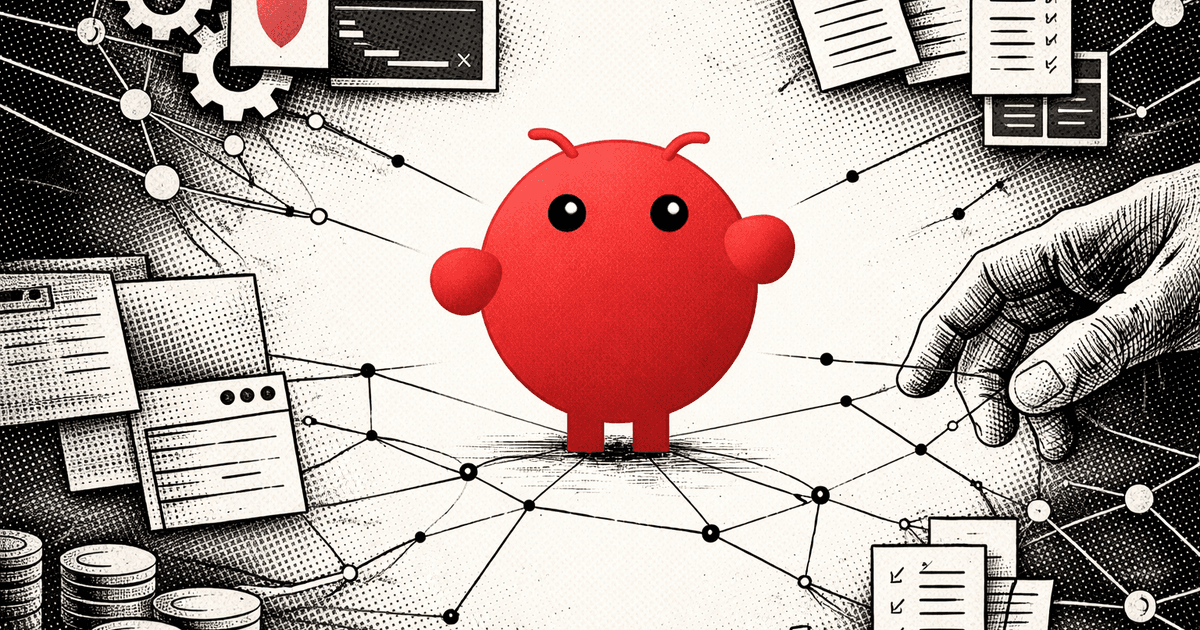
I hired a lobster. It works 24/7 and almost leaked our sandbox credentials.
You've seen the hype by now.
100,000+ GitHub stars. A project that went from "Clawdbot" to "Moltbot" to "OpenClaw" after Anthropic's lawyers got involved. Peter Steinberger built something that's got every developer I know either excited or terrified.
I set it up last weekend. Here's what happened.
OpenClaw is your AI assistant living inside WhatsApp.
You message it like a coworker. It clears your inbox, sends emails, manages your calendar, checks you in for flights, searches files, executes scripts, and reads logs. All from a chat window.
Under the hood, it's a Node.js service that routes your messages through a coding agent called "Pi," powered by Claude. Pi can run shell commands on your machine. It can control your browser. It can read and write files.
WhatsApp, Telegram, Discord, Signal, iMessage, CLI. Pick your interface. The agent doesn't care.
Then I read the security reports.
Security researchers have found hundreds of unprotected OpenClaw servers exposed on the public internet. Full access to configurations. Chat histories. The ability to execute commands remotely.
The official docs have this warning: "If concepts like remote administration APIs or reverse proxies are unfamiliar to you, it's best not to install OpenClaw."
Running OpenClaw locally creates three specific risks:
1. Root Risk - Host machine compromise. One prompt injection and an attacker owns your system.
2. Agency Risk - Unintended destructive actions. The agent misunderstands and deletes the wrong files.
3. Keys Risk - Credential leakage. Your API keys, tokens, and passwords stored in config files, one request away from exfiltration.
There are three ways to deploy this safely.
Option 1: UTM Virtualization (Free, Local)
UTM is an open-source virtualization app for Mac. You spin up an isolated macOS or Linux VM. OpenClaw runs inside that sandbox. It can't see your host machine's files, passwords, or SSH keys. If something goes wrong, nuke the VM and start fresh. Zero cost. Full control.
Option 2: Cloudflare Moltworker ($5/month, Cloud)
Cloudflare released an official implementation called Moltworker. It runs OpenClaw in Cloudflare Sandbox containers (micro-VMs) with Zero Trust authentication. No local RCE risk. Device pairing required for each connection. Wrap it in Cloudflare Access and you've got enterprise-grade isolation for five bucks a month.
Option 3: Docker Hardening (Advanced)
For the technically inclined: run OpenClaw in a hardened Docker container. Non-root user. Read-only filesystem. Dropped capabilities. Strict volume mounts. Restrict outbound network to only required domains. Only map directories the agent absolutely needs. Never map your home directory.
The Human in the Loop setting is non-negotiable.
In config.yaml, you specify which tools require manual approval. Reading a file? Maybe auto-approve. Writing a file or executing a shell command? That needs a human confirmation. This is the difference between a useful assistant and a liability.
This is the agent we've been waiting for.
At Attri, we've spent the last year building enterprise agents. OpenClaw is proof that the "24/7 digital employee" isn't a pitch deck fantasy anymore. It's a GitHub repo you can clone today.
But the gap between "cool weekend project" and "production-ready enterprise tool" is exactly the security configuration that 99% of users are skipping.
We're opening a beta program.
This month, we're helping 10 companies deploy agents securely.
We'll set up your sandboxed environment, configure the security boundaries, identify best ROI business automations, and get you running with a 24/7 AI assistant that won't become your next incident report, while chugging away at the boring parts of your business.
The lobster has arrived. The question isn't whether you'll deploy an autonomous agent. It's whether you'll do it before someone does it to you.